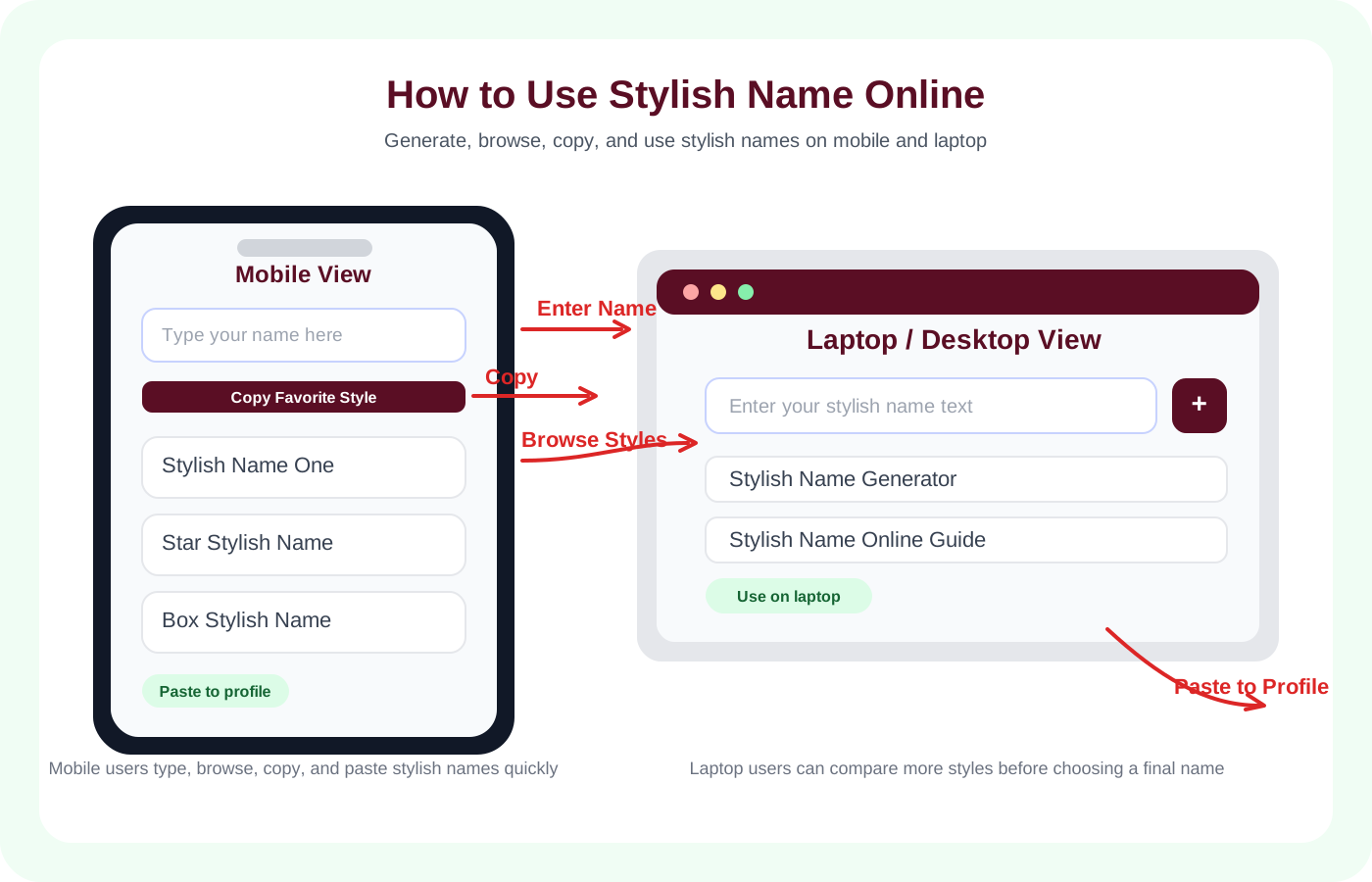
Type any name and click generate to get hundreds of stylish variations!
An Instagram stylish name is a display name written with Unicode characters, decorative text styles, or light symbols that still remain readable on mobile. People usually use these names to make a profile look more polished, more personal, or more on-brand without changing the content of the account itself.
On this page, the goal is practical: help you create a name style that looks good in the Instagram app, stays readable, and can be copied quickly from your phone. If you want broader text styles first, you can also start from the homepage generator.
Instead of a plain name like "sara_official" your Instagram profile could show something like:
In most cases, the best Instagram display names are the ones that look clean at a small size rather than the ones with the most decoration.
Most users do this on Android or iPhone, so these steps are written for mobile use first.
Use this guide to understand the full workflow before you paste a new Instagram display name into your profile settings.
Open the Instagram stylish name generator on your phone.
Type your name or any word you want to use as your display name in the search box.
Browse the generated styles and shortlist a few that are readable. Names that look clear in one line usually work best on mobile profiles.
Tap the Copy button. Your stylish name is instantly copied to your clipboard.
Open Instagram on your phone and go to your Profile page.
Tap Edit Profile at the top of your profile.
Tap the Name field and clear your current display name.
Paste your copied stylish name in the Name field.
Tap Done or the checkmark to save your changes, then reload your profile once to confirm the display looks right.
A display name is a small part of your profile, but it still affects how tidy and recognizable the page feels. The practical value is usually in readability, personal branding, and consistency across profiles.
This is something many users get confused about and it is important to understand before you change anything on your profile.
Your Instagram username is the one that starts with the @ symbol. This is your unique handle like @sara_official. Instagram has strict rules about what characters you can use in a username โ only letters, numbers, underscores, and periods are allowed. Stylish Unicode fonts do not work in the username field.
Your Instagram display name is the name that appears in bold at the top of your profile page, above your bio. This is different from your username and this is where stylish Unicode fonts work perfectly. You can make your display name look absolutely stunning with our generator while keeping your @username simple and searchable.
So when we talk about Instagram stylish names on StylishNameOnline.com, we are talking about your display name โ the bold name that every visitor sees first when they land on your profile page.
Display names appear small on mobile screens. Too many symbols can make them hard to read quickly. Test your name on your own device before saving.
If you also use Facebook or other social apps, keeping a similar display name can make your profile easier to recognize.
Our generator gives you hundreds of choices instantly. Explore aesthetic, bold, cursive, and gothic categories. The right name should feel like you the moment you see it.
Aesthetic NamesSoft, modern, and visually pleasing styles for lifestyle creators, photographers, and users who want a lighter profile identity.
Cute NamesFriendly font styles that work well for personal profiles, couple pages, and lighthearted accounts.
Bold NamesStronger font styles for fitness, motivational, gaming, or public-facing pages that prefer a sharper look.
Cursive NamesHandwritten-style fonts that can give an elegant look when the profile theme is soft, stylish, or premium.
Gothic NamesDarker styles for mood-based profiles and users who prefer a more dramatic visual tone.
Love and Romantic NamesHeart and symbol-based styles that can work for couple profiles, personal pages, and lighter social branding.
We built this page to make Instagram display-name styling easier to understand on mobile. The focus is not on heavy effects. It is on creating names that copy cleanly, stay readable, and make sense for real accounts.
If one name style looks too complex, you can return to the main generator or try a simpler Instagram category such as italic, heart, or symbolic.
The tool is free to use and does not ask for your Instagram login. You generate the text here, then paste it manually into your own profile settings.
Yes. Instagram supports Unicode characters in the display name field which is the bold name at the top of your profile. Note that your @username only supports regular letters, numbers, underscores, and periods โ stylish fonts do not work in the username field itself.
Most Unicode fonts display consistently across current Android and iOS devices. Some rare characters can still appear differently on older phones, so it is worth checking before making a final change.
No. Changing your display name is purely a visual change. Your @username stays exactly the same, your followers remain unchanged, and nothing about your account is affected except how your name appears on your profile.
Instagram allows you to change your display name twice within 14 days. After two changes in 14 days, you need to wait before changing again. So choose a name you truly love before saving it.
Yes. Many Unicode styles also work in bios, captions, and comments. Lighter styles are usually easier to read than heavily decorated ones.
Absolutely. We never ask for your Instagram password or login credentials. Our generator only creates standard Unicode text that is completely safe to copy and paste. Your account security is never affected in any way.
Often yes, although support varies by platform and field. If you also use other pages on this site, the Facebook guide and Free Fire guide can help you compare what works best elsewhere.